Last Updated: October 25, 2026
Quick Summary
To reduce downtime in metal fabrication shops, log every stop for two weeks to find the few causes behind most lost hours, then shift from reactive to preventive maintenance with a signed checklist per machine. Keep consumables like blades and belts above a reorder point and fix the workflow bottleneck first.
- Log each stop’s machine, length, cause, and who was affected for two weeks before changing anything.
- Keep daily checks to five to eight items taking under ten minutes, with one named owner per machine.
- Set a reorder point above minimum stock so abrasives and blades never run dry.
- Prioritize the constraint step, then changeover, programming delays, and consumable stock for that step.
- A 45-minute press brake changeover can often drop to 20 minutes by staging tooling the day before.
Table of Contents
- Why Metal Fabrication Shops Lose Production Hours
- Preventive Maintenance for Metal Fabrication Equipment
- Machine Maintenance Checklist for Fabrication Shops
- Downtime Tracking in Manufacturing: Measure Before You Fix
- Tool and Abrasive Inventory Management That Prevents Stalls
- Prioritizing Bottlenecks Across the Fabrication Workflow
- Set Up Your Downtime Reduction Plan This Week
- Frequently Asked Questions
Why Metal Fabrication Shops Lose Production Hours
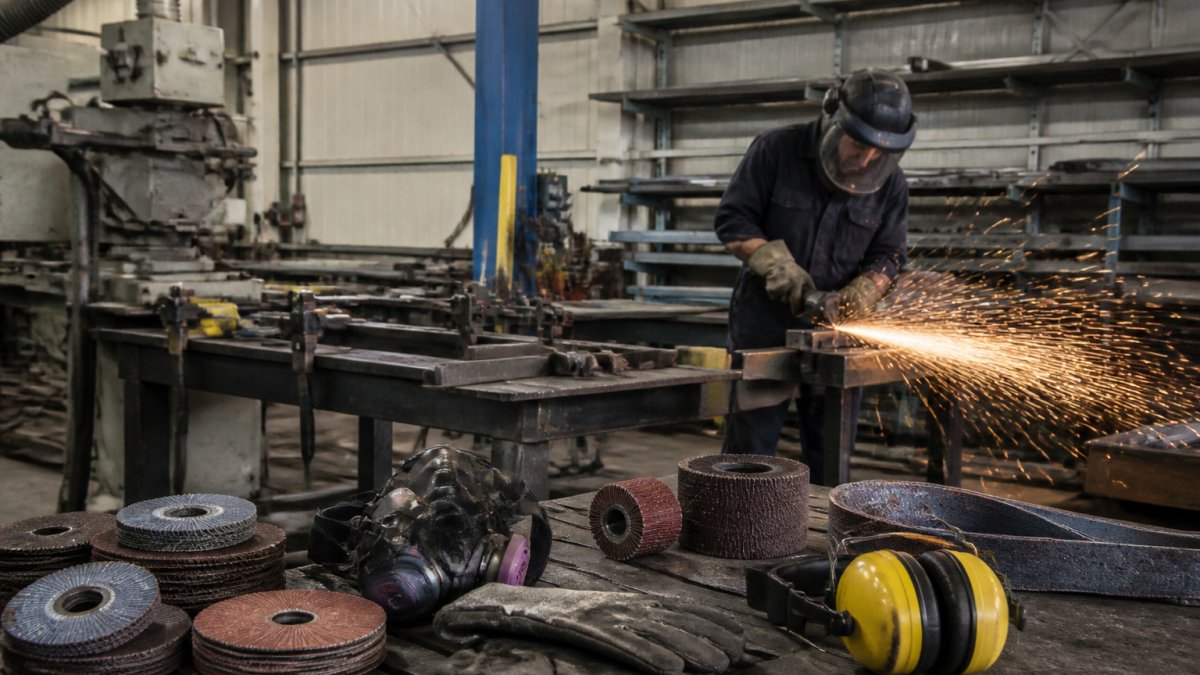
Downtime in metal fabrication is time a machine or job sits idle when it should be cutting, bending, or finishing steel. Most shops blame the machine, but the real losses start earlier: a missing belt, a dull blade, a program not ready at shift start.
This guide shows how to reduce downtime in metal fabrication shops by attacking causes, not symptoms.
Breakdown Downtime vs. Workflow Delays
Breakdown downtime is when a machine fails and stops production. Workflow delay is when the machine works fine but the job isn’t ready to run.
- Breakdown: a bandsaw blade snaps mid-cut, a grinder bearing seizes, a press brake hydraulic line leaks
- Workflow delay: no sanding belts on the shelf, a job waiting on programming, a changeover that runs long
- Both eat throughput. Only breakdowns get tracked.
How to Baseline Your Downtime in a Metal Fabrication Shop
You can’t fix what you don’t measure. Before buying anything or changing schedules, spend two weeks logging every stop.
Write down four things for each stop:
- What machine or process stopped
- How long it was down
- What caused it (failure, no parts, no program, changeover, waiting)
- Who was affected
Two weeks of honest logging beats a year of guessing. A handful of causes usually account for most lost hours, that short list is your priority order.
Preventive Maintenance for Metal Fabrication Equipment
Preventive maintenance for metal fabrication equipment is scheduled service done before a machine fails, replacing reactive maintenance that fixes things after they break and the job is already late.
The shift from reactive to preventive is the single biggest lever most shops have.
Start with these habits:
- Follow the manufacturer’s service intervals for every machine
- Keep a log per machine, not per shop
- Assign one person to own the schedule
On-time equipment care always costs less than emergency repair. A seized spindle bearing can idle a machine for days waiting on parts; a scheduled bearing change costs an afternoon.
Machine Maintenance Checklist for Fabrication Shops
A machine maintenance checklist for fabrication shops is a written list of checks tied to a schedule, signed off by the person who did them.
How to Build the Checklist So It Actually Gets Used
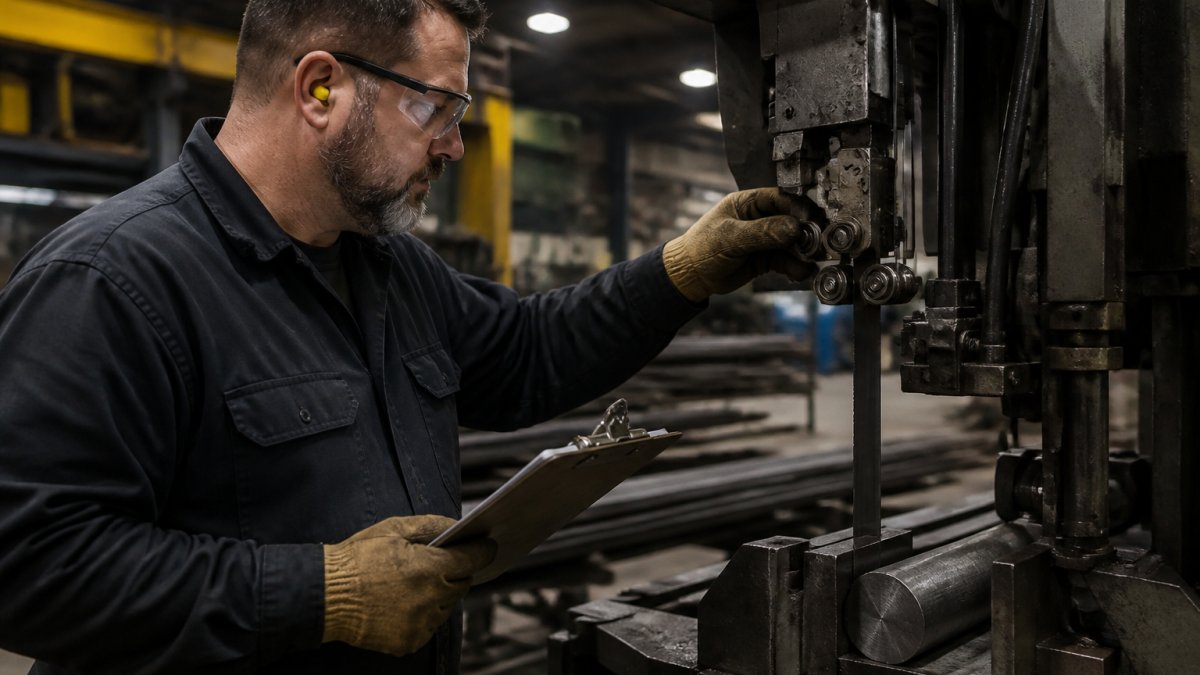
A checklist fails when it’s too long, too vague, or owned by nobody. Keep each daily list to five to eight items taking under ten minutes, written as physical actions (“check blade tension at the gauge and confirm the reading is in the green band”) rather than concepts (“check blade”). Assign one named owner per machine plus a backup, and store completed sheets in a binder at the machine or a shared digital log so the maintenance lead can review trends weekly.
Tie every checklist item to a failure mode you have actually seen. If a check has never caught anything in six months, either the check is wrong or the interval is wrong. Review and prune quarterly.
Daily Checks by Equipment Type
Daily checks take minutes and catch the small stuff before it grows. Run them at shift start, before the first cut.
Bandsaw and cold saw
- Blade tension at the gauge and tracking straight
- Coolant flow and concentration at the nozzle
- Guide bearings free and aligned
Laser cutter
- Lens and protective window clean and undamaged
- Assist gas pressure and supply level
- Chiller temperature and coolant level in range
Press brake
- Hydraulic fluid level and visible leaks
- Tooling seated, clamped, and free of damage
- Light curtains, guards, and foot pedal functioning
Welding power source and wire feeder
- Ground clamp clean and secure
- Wire feed rolls and liner free of birdnesting
- Gas flow at the regulator
Air compressor
- Oil level in range
- Drain condensate from the receiver and traps
- Inlet filter clear
Weekly Checks
Weekly checks go deeper and catch wear that daily checks miss.
- Blade wear and tooth condition; rotate or replace per cut count
- Belt condition and tension on sanders and grinders
- Hydraulic fluid levels and visible leaks on all presses
Monthly Checks
Monthly checks catch slow wear and repeat failures.
- Bearing play and vibration on spindles and motors
- Electrical connections tight and panels clean and dry
- Calibration checks on measuring equipment
Bandsaw and Cutting-Equipment Care
Bandsaw and cutting-equipment care deserves its own attention because the saw feeds every downstream step. Blade tension, guide alignment, and coolant mix decide blade life and cut squareness. A dull blade doesn’t just cut slower, it loads the motor, deflects the cut, and shortens machine life. Track cuts per blade and replace on a count rather than on failure, and keep a spare blade tensioned and ready so a mid-job break costs minutes, not a shift.
The most common checklist failure is signing off without doing the check. Spot-audit one machine per week and compare the sheet to what you find. If the sheet says clean and the ways are packed with swarf, the checklist is theater.
Who Owns the Checklist
Operators own daily checks; maintenance owns weekly and monthly checks. One named maintenance lead owns the schedule, log, and escalation path. When an operator finds something outside daily scope: tag the machine, tell the lead, and log it. Don’t let a small fault run to failure because nobody knew whose job it was to stop the machine.
Downtime Tracking in Manufacturing: Measure Before You Fix
Downtime tracking in manufacturing means recording every stop, its cause, and its length so you see patterns instead of reacting to the loudest problem. Monitoring software helps, but a whiteboard and shared sheet work fine to start.
Track these numbers:
- Total downtime hours per week, split by cause
- Machine use per machine
- Average turnaround time from stop to restart
Data-driven insights come from consistency, not expensive tools. If your team logs honestly for a month, the bottleneck will be obvious; if not, no software will save you.
Tool and Abrasive Inventory Management That Prevents Stalls
Tool and abrasive inventory management means keeping production-stopping consumables in stock at all times.
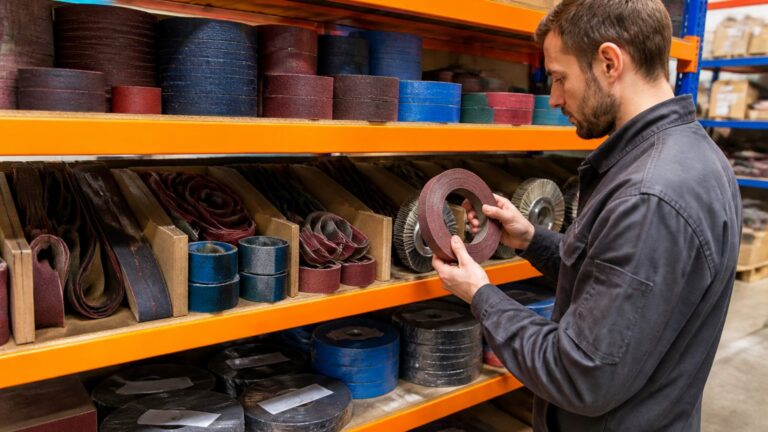
This is where workflow delays hide. A backstand sander with no belts is downtime, even though nothing is broken.
Build a minimum stock list for every consumable tied to a machine:
- Sanding belts in the grits you run most
- Grinding wheels and discs
- Bandsaw blades in each size
Then set a reorder point above the minimum. When stock hits the line, reorder, don’t wait for empty.
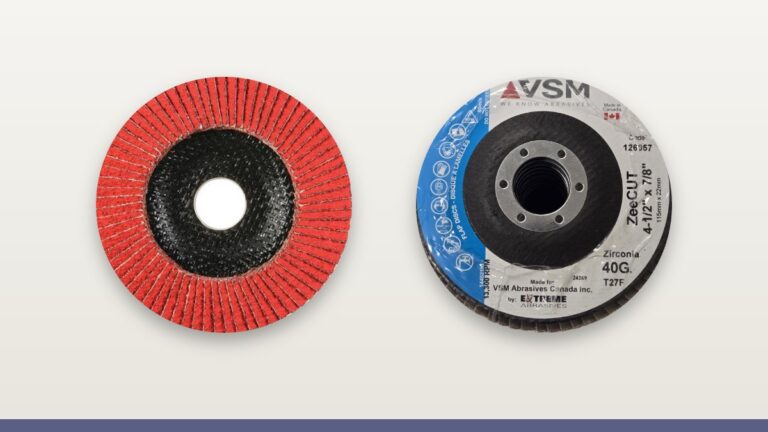
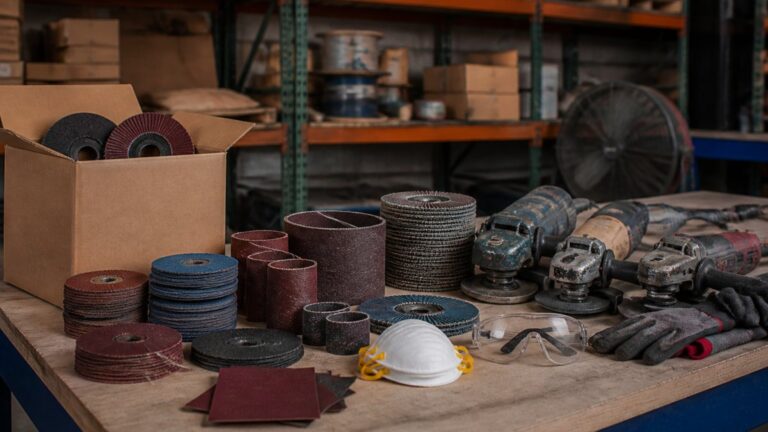
This is where a supplier relationship matters. If you’re planning your consumable stock now, you can browse the full abrasives range to see what’s available, restock the grinder abrasives that run out fastest, and keep sanding belts on hand before the backstand goes quiet.
Watch out: the most common mistake is ordering abrasives only when the shelf is empty.
Prioritizing Bottlenecks Across the Fabrication Workflow
A bottleneck is the step that limits the whole workflow: fixing anything downstream changes nothing, while fixing it speeds up everything. Most shops optimize the machine that complains loudest rather than the step constraining throughput. Cutting, forming, welding, finishing, and material handling are linked; speeding up a non-constraint just moves the queue to the next station.
Map the Workflow From Quote to Ship
Walk the floor and list every step in order: material receiving, cutting (saw, laser, plasma), forming (press brake, roll), welding and fit-up, machining, finishing (grinding, sanding, blasting, paint), inspection, and shipping. At each step, record three things for one normal week:
- Hours of work waiting in front of the step
- Hours the step actually ran
- Hours the step sat idle with work available
The step with the largest and most persistent queue is your constraint. Confirm it by asking the next station whether it ever waits on this step. If it does, you have found the bottleneck.
Quantify the Constraint Before You Fix It
A bottleneck is only worth fixing if you can estimate the return. Use a simple calculation:
- Lost hours per week at the constraint = idle hours with work available
- Lost output = lost hours multiplied by the constraint’s output per hour
- Lost contribution = lost output multiplied by contribution per unit
Compare that to the cost of the intervention. A press brake idling four hours a week waiting on programs loses more than a sander idling one hour, even if the sander is older. Prioritize by lost contribution, not machine age or who complains loudest.
Fix the constraint first, then re-measure. The bottleneck moves. A shop that fixes cutting often finds forming becomes the new constraint within a month. That is progress, not failure.
Changeover, Programming, and Job-Readiness Delays
Changeover, programming, and job-readiness delays are the gaps competitors miss. A press brake that runs fine but waits two hours for a program loses production time just as surely as a broken one. Attack non-breakdown downtime with four habits:
Standardize changeover. Write and time a changeover procedure for each machine, separating internal tasks (machine stopped) from external tasks (machine running). Pre-stage tooling, fixtures, and material before the machine stops, a 45-minute press brake changeover can often drop to 20 by staging tooling on a cart the day before.
Program offline. Prepare and verify programs before shift start, not at the machine. Keep a program library tied to part numbers so repeat jobs load without reprogramming.
Build complete job packets. Include the drawing, program number, tooling list, material, inspection plan, and special instructions.
Stage material and tooling the day before. Material handling is a real constraint in most shops, if the saw waits on a forklift or the brake waits on a cart, the machine isn’t the bottleneck.
Prioritize in This Order
- The constraint step first, always
- Changeover and setup time on that step
- Programming and job-readiness delays feeding it
- Consumable stock for that step
- Everything else
For finish quality and rework as a hidden downtime source, our guide on choosing the right sanding grit explains how the grit ladder works for wood, metal, and paint.
Do not fix a non-constraint just because it is easy. A faster sander downstream of a slow press brake adds work-in-process, not throughput. Measure the constraint, fix the constraint, then re-measure.
Set Up Your Downtime Reduction Plan This Week
You can start this week with no budget and no new software.
Week 1: Baseline. Log every stop for five working days. Cause, length, machine, who was affected.
Week 2: Checklist. Write your daily, weekly, and monthly checks. Assign one owner.
Week 3: Stock list. Build your minimum stock list for consumables and set reorder points.
Week 4: Review. Compare week 1 to week 4. Adjust the schedule and stock levels.
| Step | What You Do | Time Needed | How Often |
|---|---|---|---|
| Baseline log | Record every stop and cause | 5 working days | Once, then quarterly |
| Checklist | Write and assign daily/weekly/monthly checks | 2-3 hours | Set up once, run daily |
| Stock list | Set minimums and reorder points | 1-2 hours | Review monthly |
| Bottleneck review | Compare data, adjust priorities | 1 hour | Monthly |
The shops that cut downtime fastest aren’t the ones with the biggest budgets.
Downtime rarely comes from one big failure. Ready to build a supply plan that keeps production running? Request a quote to source abrasives, PPE, and tools for your shop, and get started with IBEX Enterprises to keep your machines cutting instead of waiting.
Frequently Asked Questions
What are the most common causes of downtime in a fabrication shop?
The biggest causes fall into two groups. Equipment failures, such as a worn bandsaw blade or a seized grinder bearing, stop work outright. Workflow delays are quieter but add up: missing abrasives, waiting on a job file, slow changeovers, and tools that are not where the operator needs them. Many shops track only the first group, which is why their downtime numbers look better than the shop floor feels. Logging both types gives you a realistic baseline before you change anything.
How often should fabrication equipment be inspected and maintained?
Daily checks cover the basics: blade tension and condition on the bandsaw, air pressure, coolant levels, and a quick look at grinding tools for damaged cords or worn discs. Weekly tasks include cleaning and lubricating moving parts and checking guide bearings. Monthly, review belts, filters, and electrical connections, and log every finding. Build the schedule around how hard each machine runs rather than a fixed calendar, and put the checklist where operators can reach it.
How does tool and abrasive inventory management reduce downtime?
Running out of a critical disc or blade mid-job stops the machine and the operator. Track usage per job type, set reorder points for high-consumption items, and use recurring shipments or standing orders so stock arrives before it runs low. Keep a small buffer of the abrasives and blades your shop uses most, and store them in a labeled, locked cabinet near the machines. The goal is simple: no operator should walk to the supply shelf and find an empty bin.
How do you measure downtime in a manufacturing shop?
Record start and stop times for each machine and note the reason for every stop, then group the reasons into categories such as breakdown, setup, material shortage, and maintenance. Calculate downtime as a share of scheduled production time, and track it weekly rather than monthly so trends show up sooner. Even a paper log works at the start. Once you have four to six weeks of data, you can see which machine and which cause deserve attention first.